01
A new inquiry arrives.
Label qualifying Gmail messages manually or with a filter. Your assistant logs each new lead in Google Sheets.
Whistle Pig AI Lead Assistant turns incoming inquiries into organized leads and Gmail drafts informed by the services, pricing, policies, and tone you provide. Review, edit, and send every reply yourself.
DIY digital kit • No recurring Whistle Pig fees • Third-party costs apply


Sample data shown
Label qualifying Gmail messages manually or with a filter. Your assistant logs each new lead in Google Sheets.
AI drafts a reply based on your business settings, saves it in Gmail and sends you an internal notification.
Review, edit and send the reply yourself. Label the sent message to update the lead’s status automatically.
Tell your assistant about your services, pricing, policies and preferred tone. Update your settings as your business grows.

Hi Jamie,
Thanks for reaching out! We’d be happy to check options for your stationery order. What date are you hoping to collect it?
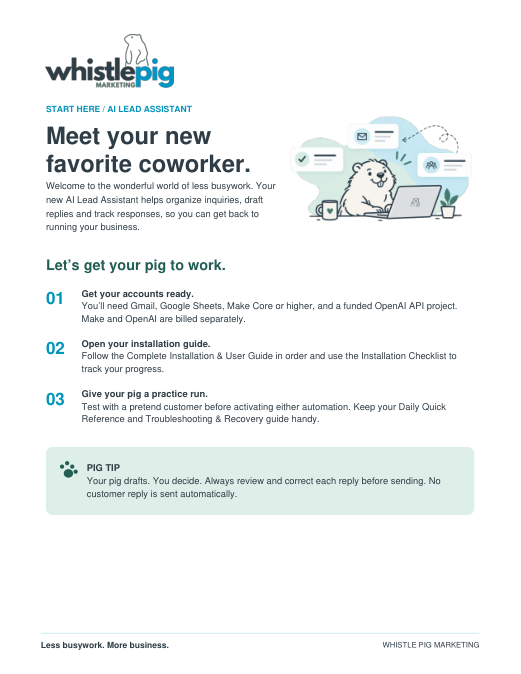
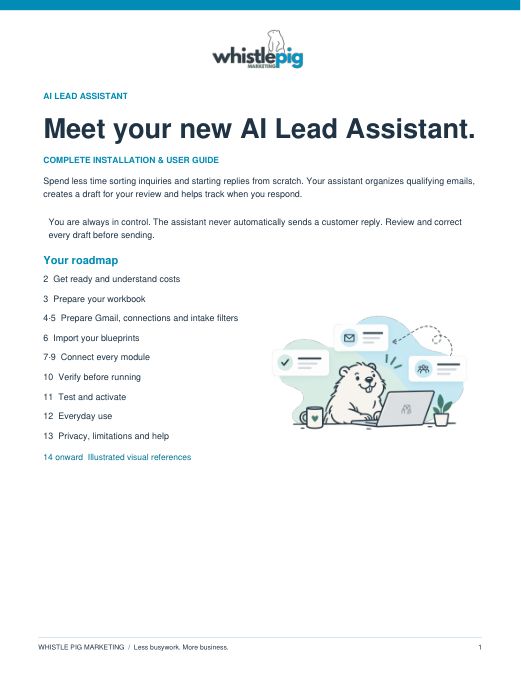
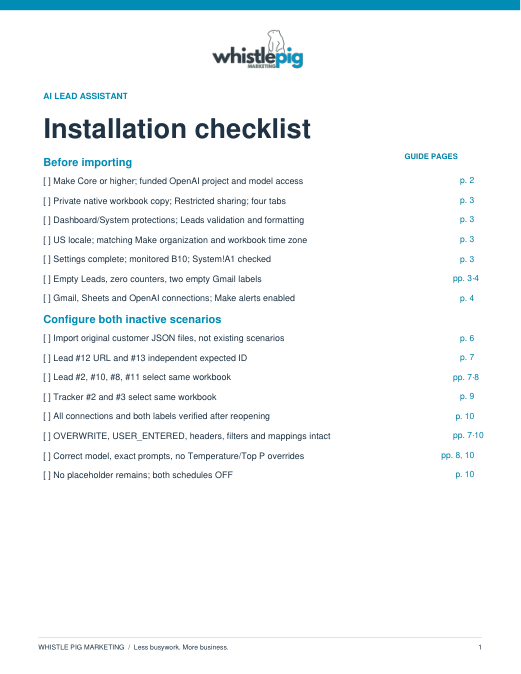
One digital download, with everything you need to configure your own system.
One-time digital kit purchase. No Whistle Pig subscription.
Available now. Contact us with questions or explore all systems.
| Service | Ongoing cost |
|---|---|
| Gmail & Google Sheets | Free accounts or existing Workspace plan |
| Make Core or higher | Separate subscription. Current pricing |
| OpenAI API | Usage-based charges. Current pricing |
A ChatGPT subscription does not include API usage. You’ll need a funded API project with access to the supported model.
Based on a successful tested draft and tracked response using 14 Make credits. Polling, errors, duplicates and other workflows can increase usage. AI costs vary by token consumption and model pricing.
Built for small-business owners who handle inquiries in Gmail. Download the kit after purchase and follow the desktop setup guide. Add your business details and preferences, then connect Gmail, Google Sheets, Make, and your OpenAI API account. Once configured, review drafts in Gmail and manage follow-ups in the lead tracker.
Not a managed service, CRM replacement or automatic email sender. Website forms that send from a service address may require manual handling. One lead is tracked per Gmail thread.
30 days of installation and configuration questions and troubleshooting from purchase. We aim to reply within two business days, Monday–Friday excluding holidays.
Custom development, done-for-you setup, third-party billing and ongoing maintenance aren’t included. Suspected product defects can be reported after 30 days.
No. It creates drafts. You review and send customer replies yourself.
No coding is required for the documented setup, but you will configure accounts, connections and workflow settings in Make.
This kit is designed for Gmail and Google Sheets, not Outlook.
Apply the response label to the outgoing message in the original Gmail thread. The tracker updates the matching Draft Ready lead.
The inquiry and business configuration are sent to OpenAI through your connected API account. Review your providers’ data policies and avoid including secrets or unnecessary sensitive information.
This is a DIY kit. Included support covers installation questions and troubleshooting, not full setup on your behalf.
You supply your services, pricing, policies, and preferred tone in the Business Settings worksheet. The workflow uses those details when drafting replies. You can update the settings as your business changes.
You need Gmail, Google Sheets, Make Core or higher, and a funded OpenAI API account. The kit is a one-time $199 USD purchase. Make subscriptions and OpenAI API usage are billed separately.
Yes. Set your preferred communication style in Business Settings and edit any draft in Gmail before sending it.
The kit includes 30 days of help with installation, configuration, and troubleshooting from purchase. Setup is DIY. Contact support if you have questions.
Meet your new favorite coworker. No extra desk required.